Türkçe
 English
 Deutsch
Internet users' expectations grow every day. Today, a slow-loading website doesn't just hurt the user experience; it can also cause serious losses in SEO performance, brand perception and conversion rates.
When Google included Core Web Vitals (CWV) metrics among its official ranking factors with the Page Experience Update, site speed became critical for SEO.
In this guide, we'll take a detailed look at how site speed affects SEO, key metrics such as CLS (Cumulative Layout Shift), and the methods you can apply to optimize Core Web Vitals.
Why Does Site Speed Matter?
Website speed is not just a technical performance metric. It is also a factor that directly affects user experience, conversion rates and search engine visibility.
1. It Strengthens the User Experience
Fast-loading websites let users reach content more quickly.
Slow-loading pages, on the other hand:
- Reduce user patience
- Erode trust
- Increase bounce rate
- Lower conversion rates
On e-commerce sites in particular, even a delay of a few seconds can lead to significant lost sales.
2. It Affects Google Rankings
Google develops algorithms that put user experience at the center. Site speed and Core Web Vitals scores are among the core parts of this approach.
Fast, optimized sites:
- Offer better crawlability
- Increase user satisfaction
- Strengthen SEO performance
- Gain an advantage in organic rankings
That's why site speed is critically important in professional technical SEO optimization processes.
3. It Increases Conversion Rates
Tests by large companies such as Amazon and Walmart have shown that even millisecond-level delays can cause losses worth millions of dollars.
A fast website can deliver:
- More sales
- Higher form conversion
- More user engagement
- A lower abandonment rate
as a result.
4. It Is Critical for Mobile Users
Traffic from mobile devices has now surpassed desktop. However, a significant share of mobile users still rely on slow connections.
Slow sites that haven't been optimized for mobile can lead to:
- Loss of mobile users
- Low user satisfaction
- A drop in organic traffic
as a result.
What Are Core Web Vitals (CWV)?
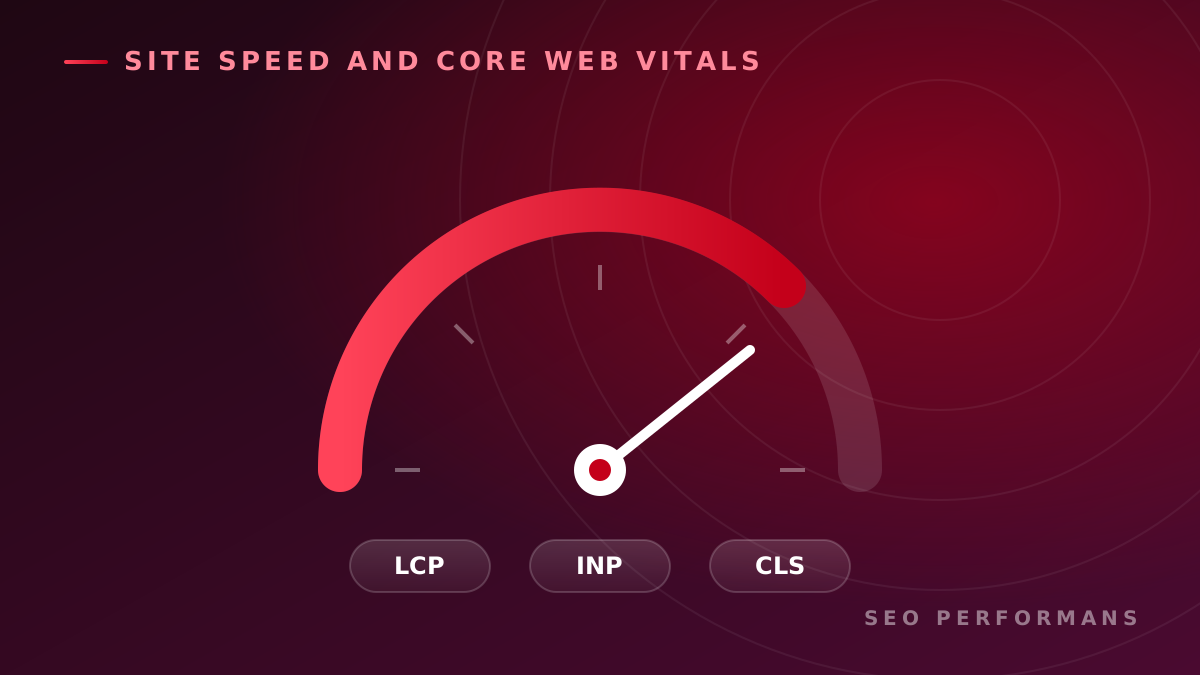
Core Web Vitals are the key performance metrics Google uses to measure user experience.
These metrics consist of three main parts:
- LCP (Largest Contentful Paint)
- INP / FID (Interaction to Next Paint / First Input Delay)
- CLS (Cumulative Layout Shift)
Google treats these metrics as the main indicators of user experience.
What Is CLS (Cumulative Layout Shift)?
CLS is a Core Web Vitals metric that measures unexpected visual shifts that occur while a page loads.
For example:
- The page shifting just as a user is about to click a button
- Text moving around because of late-loading images
- Ad slots appearing after the page has loaded
are all examples of CLS issues.
Google CLS Thresholds
- Good: below 0.1
- Needs improvement: between 0.1 and 0.25
- Poor: above 0.25
How to Improve CLS
1. Define Width and Height for Images
If the browser knows the image size in advance, layout shifts are greatly reduced.
2. Use Aspect Ratio
With modern CSS features, you can reduce CLS issues by reserving space for images.
3. Reserve Space for Ad Slots
Fixed-size areas should be used to prevent the shifts that can occur when ads load dynamically.
4. Optimize Fonts
Using font-display: swap; can reduce the shifts caused by late-loading fonts.
5. Reduce Dynamic Content in Critical Areas
Content injected later, especially in the header, hero and above-the-fold areas, can negatively affect your CLS score.
LCP (Largest Contentful Paint) Optimization
LCP measures the load time of the largest image or content block on the page.
Target: It should be under 2.5 seconds.
Ways to Improve LCP
- Convert images to WebP or AVIF format
- Use a CDN
- Preload critical images
- Reduce server response time
- Optimize your use of lazy loading
FID / INP Optimization
FID, or INP as it's now called, measures the response time to a user's first interaction.
Target: It should be under 100 ms.
Ways to Improve FID / INP
- Minify JavaScript files
- Apply code splitting
- Remove unnecessary scripts
- Defer scripts with defer or async
- Reduce the use of third-party tools
Additional Site Speed Optimization Techniques
Using Critical CSS
Loading the CSS for the initially visible part of the page inline can improve performance.
Using HTTP/2 and HTTP/3
Faster data transfer can help reduce load times.
Caching
Browser and server caching can significantly improve performance.
Image Optimization
Large, unoptimized images are one of the most common enemies of site speed.
Cleaning Up GA4 and Tag Manager
Removing unnecessary scripts can improve performance.
How to Measure Core Web Vitals
You can use the following tools to measure Core Web Vitals performance:
- Google PageSpeed Insights
- Google Search Console
- Lighthouse
- GTmetrix
- WebPageTest
With regular measurement and reporting, performance issues can be detected early.
In this process, professional SEO analysis and reporting work offers a significant advantage.
Conclusion
Site speed is not just a technical performance metric; it is also a critical factor for user experience, SEO success and conversion rates.
With Google's user-centric approach, Core Web Vitals metrics such as LCP, INP/FID and CLS have become even more important.
CLS optimization in particular helps you:
- Reduce accidental clicks
- Improve the reading experience
- Increase user satisfaction
- Strengthen SEO performance
A faster, more stable and user-friendly website helps you earn better rankings in search engines and also increases your conversion rates.