Türkçe
 English
 Deutsch
Imagine a visitor is about to tap the "Get a Quote" button on your website when the page suddenly jumps down. An image or a campaign banner that loads late moves the button. The user clicks the wrong link or has to repeat the action.
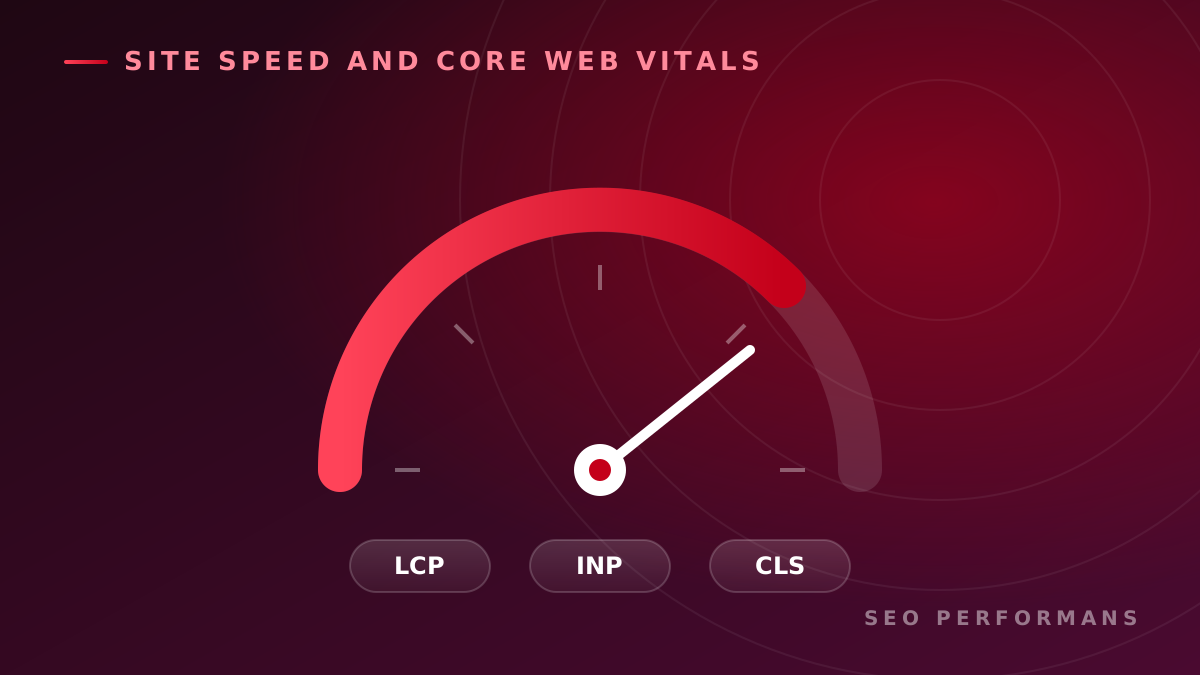
CLS optimization is the performance work that identifies the causes of these unexpected layout shifts so the page stays visually stable.
For businesses, this is not just a technical score. It affects whether key steps such as browsing products, filling out forms, and completing purchases go smoothly. In this guide, we will look at how CLS is measured, what causes it, and how it can be handled in a sample business scenario.
What Is CLS?
CLS stands for "Cumulative Layout Shift." It is part of Core Web Vitals and measures visual stability.
This metric reflects visible elements on the page moving unexpectedly. The calculation takes into account the affected area and the distance of the movement. CLS is not a speed measurement in seconds; it is a unitless score.
Measurement is not limited to the initial page load. Unexpected shifts that happen during use can also count. Instead of a simple sum of all shifts over the lifetime of the page, CLS is based on the largest burst of shifts, grouped within specific time windows.
What Is a Good CLS Score?
| CLS value | Assessment |
|---|---|
| 0.1 or lower | Good |
| Above 0.1, up to 0.25 | Needs improvement |
| Above 0.25 | Poor |
The goal is to stay at 0.1 or below for at least 75% of visits, evaluating mobile and desktop separately. A single successful test does not show that all visitors have the same experience.
Why Is CLS Optimization Important for Businesses?
When prioritizing a performance issue, you need to look at which user action it affects.
For example, if the quote form on a service page keeps moving, it can directly make lead generation harder. On an e-commerce site, product options that shift around can lead to wrong selections.
CLS optimization can support the following business goals:
- Easier use: Visitors can more easily follow the text they are reading and the area they are interacting with.
- A more consistent mobile experience: Important buttons keep their position on small screens.
- A smoother conversion flow: Usability obstacles in form-filling and checkout steps are reduced.
- More controlled site management: The performance impact of new campaigns and design changes can be monitored.
To see the effect on conversion rate, you need to evaluate the technical improvement against the business's own data. It would not be accurate to give a sales increase percentage that applies to every site.
How Does CLS Affect SEO?
Google uses Core Web Vitals metrics in its ranking systems. However, good performance scores do not guarantee top positions in search results. The usefulness of the content, its match with search intent, and other ranking signals also matter.
For this reason, CLS optimization should be treated as an investment that complements content, technical SEO, and user experience work.
How Is CLS Measured?
Measurement seeks to answer two different questions: What are real visitors experiencing, and what is the technical cause of that experience?
Initial Analysis with PageSpeed Insights
PageSpeed Insights shows real user data when it is available, as well as a lab test.
Real user data is based on measurements from Chrome users over the last 28 days. The lab test, on the other hand, is a single run under specific conditions. For this reason, it is possible to see different CLS values in the two sections.
In the report, you should check whether the data belongs to the URL being examined or to the origin level of the whole site. A lack of sufficient data does not mean there is no problem on the page.
Examining User Flows
Testing only the load of the home page may not be enough. Flows such as selecting a product, scrolling down the page, and viewing late-loading content should also be examined.
Chrome DevTools can be used to investigate when shifts occur. The element shown as moving in the report is not always the source of the problem; it may have been pushed by another element inserted above it.
How Do You Improve CLS?
The solution should be chosen based on the component that causes the shift. The common issues and fixes are as follows:
| Issue | Optimization approach |
|---|---|
| Images without defined dimensions | Reserve space in advance with width, height, or an appropriate aspect ratio |
| Ads and embedded content that load later | Use suitable placeholder areas for different screen sizes |
| Dynamic content inserted at the top of the page | Design a layout that will not push existing content unexpectedly |
| Text that shifts when the font changes | Adjust fallback font metrics and the font loading strategy |
| Animations that cause shifts | Where appropriate, use transform instead of properties that change the layout |
Lazy loading images is not a solution on its own; the space they will occupy must be reserved before they load. Similarly, using only font-display: swap for fonts may not eliminate shifts.
The critical point for a business is whether the problem exists on a single page or in a shared template. If a bug in a shared product card affects hundreds of pages, a component-level fix can deliver broader benefits.
Case Study: A Shifting Purchase Area on a Product Page
The scenario below was prepared to explain the implementation approach; it does not contain a real customer result or a success claim.
Let's assume an e-commerce business receives feedback from its mobile visitors that the purchase area on the product page moves around. The business drives ad traffic to these pages but does not know the extent of the problem visitors are experiencing.
1. Defining the Scope of the Problem
The first step is to select samples from different product templates. Not only the best-selling product, but also a discounted product, a product with multiple variants, and a product with a heavy review section are examined.
The aim is to understand whether the problem is common to all products.
2. Matching the Observation with a Technical Finding
Assume that in testing, the purchase area moves at the moment the campaign component appears.
For this finding, you don't just write the note "CLS is high." You record the affected page type, screen size, reproduction steps, and the event that triggers the shift. This gives the development team an actionable task description.
3. Prioritizing the Fix
When setting priorities, three questions are evaluated together:
- On how many pages and how often does the problem occur?
- Does it affect a critical action such as purchasing?
- How much work is needed to implement and verify the fix?
In this scenario, the shared component affecting the purchase area can be addressed before a small shift on a low-traffic information page.
4. Verifying the Result
After the change, the same user flows are tested again. Cases where the campaign is shown and where it is not are checked separately.
The tracking plan includes both technical and commercial indicators:
| Technical indicators | Business indicators |
|---|---|
| Mobile CLS distribution | Add-to-cart rate |
| Scenarios where the problem recurs | Purchase completion rate |
| Affected page templates | User complaints |
When interpreting any change in sales, changes in pricing, campaigns, and traffic sources are also taken into account. This way, the whole improvement is not wrongly attributed to a single technical fix.
How Does SEO Performans Approach CLS Optimization?
For SEO Performans, the focus of CLS work is to connect technical findings to the business's priorities. It should be clear which page has a problem and why, which fix should come first, and how the result will be verified.
In this context, the performance optimization process can be handled in four stages:
- Analysis: Reviewing priority pages and the mobile user experience.
- Prioritization: Ranking findings by impact, prevalence, and implementation effort.
- Improvement plan: Preparing concrete recommendations that the development team can implement.
- Verification: Repeating tests after the changes and monitoring real user data.
This approach turns technical SEO work into a concrete implementation plan. The business can see not just a score, but also the user experience that needs to be improved.
Common Mistakes in CLS Optimization
The most common mistake is generalizing a single test result to the entire site. A good-looking home page does not mean that product and service pages are free of problems.
Another mistake is trying to solve the whole problem with a generic speed plugin. You should first identify the source of the shift and verify whether the tool you are using actually addresses that source.
Finally, treating performance checks as a one-time task can cause problems to come back after later design and campaign changes. Critical pages should be rechecked after important releases.
Frequently Asked Questions
Are CLS and page speed the same thing?
No. CLS measures visual stability. A page may open quickly, yet its content can move afterward. For this reason, speed and layout stability should be evaluated separately.
How long does CLS optimization take?
The timeline depends on the source of the problem and the structure of the site. Issues that can be solved by adjusting a single component and issues spread across different templates do not require the same amount of work. To get a clear plan, an analysis should be done first.
Why doesn't the improvement show up in the report right away?
In the lab test, the change can be seen immediately. In the 28-day data window of the real-user section of PageSpeed Insights, however, the effect of older visits continues for a while.
Is fixing CLS enough for SEO?
No. CLS is part of broader technical SEO and user experience work. Topics such as indexability, content quality, and search intent should also be evaluated.
Find Out What Causes the Shifts on Your Website
Your visitors may be running into moving elements while browsing products, filling out forms, or requesting quotes. The first step to understanding which problem to prioritize is accurate measurement and page-by-page review.
Contact SEO Performans to evaluate your website's performance and CLS optimization needs.
Request a Free SEO Analysis