Türkçe
 English
 Deutsch
A website can be visually impressive and strong in content. But if pages open slowly, user interactions lag, or content keeps shifting around while loading, visitors may leave the site.
Core Web Vitals are key performance indicators that help measure the experience users have on a web page. They are not just scores that concern technical teams. They can affect a business's digital performance, from organic visibility to conversion rates, from brand perception to advertising efficiency.
In this guide, we will cover what Core Web Vitals optimization is, which metrics it includes, how issues are identified, and how a successful optimization process should be carried out.
What Are Core Web Vitals?
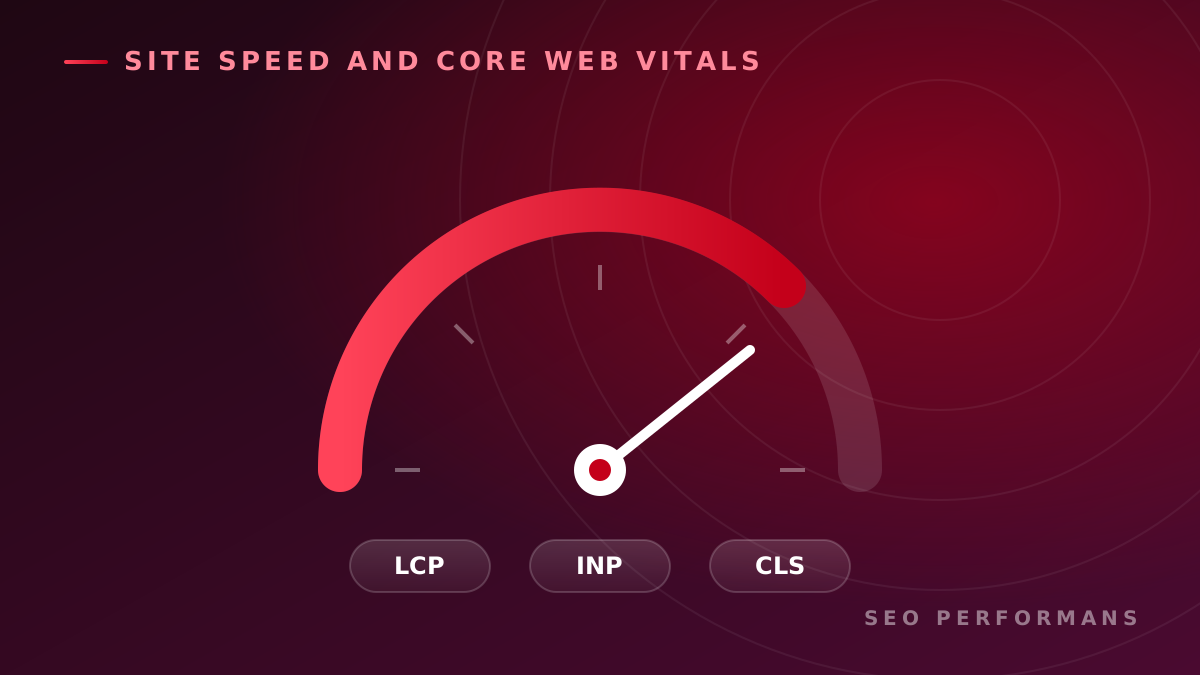
Core Web Vitals are metrics created by Google to evaluate the real page experience of users. The current assessment is based on three core metrics:
- Largest Contentful Paint (LCP): Measures how quickly the main content of the page is displayed.
- Interaction to Next Paint (INP): Shows how quickly the page responds visually to user interactions.
- Cumulative Layout Shift (CLS): Measures unexpected visual shifts that occur while the page loads.
These metrics provide insight into loading performance, interaction speed and visual stability, respectively.
For a page to pass the Core Web Vitals assessment, the 75th percentile of real user data for all three metrics must fall within the "good" range.
What Is Core Web Vitals Optimization?
Core Web Vitals optimization is the whole of the analysis, development and monitoring work carried out to improve a website's loading speed, interaction performance and visual stability.
This process does not simply mean compressing images or installing a caching plugin. Effective work evaluates the following components together:
- Server response times
- HTML, CSS and JavaScript structure
- Image and font files
- Content management system and plugins
- Third-party code
- Mobile device performance
- Page templates
- Real user behavior
- Technical SEO infrastructure
The goal is not just to get a high score in a testing tool, but to give real visitors a faster and smoother experience.
Why Are Core Web Vitals Important for SEO?
Google uses Core Web Vitals data in its systems that evaluate the overall page experience. That said, good Core Web Vitals results alone do not guarantee top rankings. Alignment with search intent, helpfulness of the content, site architecture and other SEO factors remain important.
Core Web Vitals optimization supports SEO efforts in several ways.
Improves user experience
Pages that open quickly and respond to interactions without delay allow visitors to engage with the content more comfortably. Users don't run into delays while filling out a form, opening a menu or adding a product to the cart.
Supports organic competitiveness
For queries where content of similar quality and relevance competes, a better page experience can create a competitive advantage. For this reason, performance, content and technical SEO work should be evaluated together.
Reduces friction in the conversion process
Slow-loading product images, buttons that respond late, or forms that shift around can interrupt the conversion journey. Performance improvements can make it easier to reach goals such as requesting a quote, making a purchase, signing up and getting in touch.
Strengthens brand perception
Users tend to perceive a fast and stable site as more professional and trustworthy. Especially in e-commerce, finance, healthcare, education and B2B service sectors, technical quality is an important part of the brand experience.
What Is LCP and How Do You Improve It?
Largest Contentful Paint measures the time it takes for the largest content element visible on the user's screen to be displayed. This element is often a large banner, a product image, a cover image or a large text block.
Common causes of a high LCP value include:
- Slow server response
- Large, unoptimized images
- Unnecessarily delayed image loading
- Render-blocking CSS and JavaScript files
- Heavy client-side applications
- Slow CDN or caching configuration
- Late discovery of the critical resource by the browser
Steps you can take for LCP optimization:
- Serve the main image in modern formats such as WebP or AVIF
- Resize images to the size at which they are used
- Prioritize the LCP image
- Optimize critical CSS resources
- Reduce unnecessary JavaScript load
- Improve server and database performance
- Use a CDN and page caching
- Lazy load non-critical resources
An important detail here is to avoid applying lazy loading to the main image at the top of the page without thinking. Delaying an image that should be visible on the user's screen right away can worsen your LCP.
What Is INP and How Do You Improve It?
Interaction to Next Paint evaluates how quickly the interface responds visually after the clicks, taps or keyboard interactions a user performs throughout a page visit.
For example, a mobile menu that opens late when the user taps it, an add-to-cart button that stays unresponsive for a while, or filter selections that are applied with a delay can point to INP issues.
The main causes of a high INP value are:
- Long-running JavaScript tasks
- A busy main thread
- Heavy third-party scripts
- Unnecessary event listeners
- A complex DOM structure
- Inefficient component updates
- Re-rendering too many elements after an interaction
The following methods can be used for INP optimization:
- Break long JavaScript tasks into smaller pieces
- Remove unused JavaScript code
- Evaluate third-party tools based on need and impact
- Simplify interaction handlers
- Reduce DOM size
- Provide instant visual feedback to the user
- Run heavy operations in a web worker where appropriate
- Apply code splitting and conditional loading
Because INP is based on real user interactions, it cannot be fully measured with lab tests alone. Although the Total Blocking Time value in Lighthouse is a useful indicator during development, it is not a direct equivalent of INP.
What Is CLS and How Do You Improve It?
Cumulative Layout Shift measures how much content moves around while the page is open, without the user expecting it.
If a visitor is about to tap the "Buy" button and it shifts down because of a banner that loads late at the top, this is a serious user experience problem. The user may click the wrong link or abandon the transaction.
Common causes of CLS issues:
- Images and videos without specified dimensions
- Ad slots added later
- Banners and notifications that load late
- Text reflowing during font swaps
- Dynamic elements injected at the top of the content
- Embedded content without reserved height
To improve CLS:
- Define width and height values for images
- Reserve space in advance for ads and embedded content
- Do not insert dynamic content above existing content
- Optimize the font loading strategy
- Use transform-based methods in animations instead of properties that change the layout
- Design components such as cookie notices so that they do not disrupt the page layout
How Are Core Web Vitals Measured?
When assessing Core Web Vitals, you need to distinguish between lab data and real user data.
PageSpeed Insights
PageSpeed Insights can show both real user data and a Lighthouse analysis generated in a controlled environment. The real user section draws on Chrome User Experience Report data and represents the previous 28-day period.
Lab data is useful for diagnosing issues. However, a simulation run on a single device and under specific connection conditions does not represent the experience of all users.
Google Search Console
The Core Web Vitals report in Search Console helps you review groups of URLs with similar issues for mobile and desktop. It is valuable for identifying problematic templates and page groups across the site.
Chrome DevTools and Lighthouse
With these tools, developers can examine render-blocking resources, long JavaScript tasks, layout shifts and performance bottlenecks in detail.
Real User Monitoring
For projects with sufficient traffic, setting up a real user monitoring system provides more detailed results. This way, performance can be analyzed across the following breakdowns:
- Page type
- Device
- Browser
- Country or region
- Traffic source
- Application version
- User interaction
This approach can reveal user groups and page-level issues hidden behind average values.
How Does the Core Web Vitals Optimization Process Work?
A successful optimization effort should follow a measurable and repeatable process.
1. Current state analysis
In the first stage, data is collected from Search Console, PageSpeed Insights, the Chrome User Experience Report and technical analysis tools. Mobile and desktop results are evaluated separately.
2. Grouping URLs and templates
Instead of treating each page independently, similar templates are grouped together. For example:
- Home page
- Category pages
- Product or service pages
- Blog posts
- Campaign pages
- Cart and checkout steps
This method can allow a single template fix to improve a large number of URLs.
3. Root cause analysis
The actual technical cause behind a low score is identified. Instead of a generic finding like "images are large," you find out which image is causing the problem, on which devices and at which loading stage.
4. Prioritizing by impact and effort
Not every issue has the same business value. When preparing the optimization list, the following questions are asked:
- How many pages does the issue affect?
- What is the organic traffic and revenue potential of the affected pages?
- What is the expected contribution of the change to user experience?
- What are the implementation risk and development time?
5. Implementation and quality control
Changes are implemented in a staging environment where possible. Visual quality, analytics tracking, form functionality, ad slots and conversion steps are checked. You make sure that no functionality is lost while performance gains are achieved.
6. Monitoring with real user data
After release, lab tests give an early signal. However, because CrUX-based real user data covers the previous 28-day period, it may take time for the effects to be fully reflected in reports. For this reason, performance monitoring should be continuous, not a one-off.
A Representative Core Web Vitals Case Approach
Suppose that on an e-commerce site, the mobile LCP of category pages is above 4 seconds and the INP is above 500 milliseconds. Let's assume that three core issues are identified in the initial review:
- The category banner loads with a larger file size than necessary.
- The filter component keeps the main thread busy for a long time.
- Third-party marketing code runs all at once when the page opens.
The roadmap that can be applied in this scenario is as follows:
- The banner image is converted to a modern format at appropriate dimensions and prioritized as a critical resource.
- Long JavaScript tasks in the filter component are split up.
- Unused code is removed and unnecessary scripts are deferred.
- Third-party tools are classified by business value.
- Changes are monitored first in the lab environment, then with real user data.
- Organic traffic, engagement and conversion indicators are evaluated together with performance metrics.
The key difference of this approach is that it does not just try to raise the PageSpeed score. Technical changes are tied directly to the user journey and business goals.
Note: This example is a representative scenario that explains the method; it does not contain a results claim belonging to a real client.
The Most Common Core Web Vitals Mistakes
Testing only the home page
Users don't enter the site only through the home page. A significant portion of organic traffic may land on product, category, service and blog pages.
Focusing only on desktop results
Mobile devices can have more limited processing power and variable connection conditions. For this reason, mobile performance should be treated as a separate priority.
Treating the Lighthouse score as the only measure of success
Lighthouse is valuable for diagnostics, but it does not replace real user data. A score of 100 in a single test does not mean all users have a flawless experience.
Keeping every third-party script
Live chat, advertising, analytics, personalization and remarketing tools can each add extra load to the site. The business value of these tools should be regularly weighed against their performance cost.
Treating optimization as a one-off project
New campaigns, theme updates, plugins and content changes can bring performance down again. For this reason, measurement and regression checks should continue.
Core Web Vitals Checklist for Businesses
If you answer "no" to several of the questions below, your site may need a detailed performance analysis:
- Is the mobile and desktop performance of key page templates measured separately?
- Are LCP, INP and CLS values monitored through real user data?
- Are the pages that generate the most traffic or revenue prioritized?
- Are images served appropriately for different screen sizes?
- Is the performance cost of third-party code known?
- Is performance checked after site updates?
- Are technical performance and organic traffic and conversion data reviewed together?
- Is there a clear optimization list that the development team can follow?
How Long Does Core Web Vitals Optimization Take?
The duration of the work depends on the site's infrastructure, the number of pages and the source of the issues. While simple image and caching adjustments can be implemented quickly, platforms that rely heavily on JavaScript may require more extensive development.
In addition, releasing a technical fix and seeing the full result in real user data do not happen at the same time. Because CrUX data represents a rolling 28-day period, regular monitoring is needed to confirm the improvement.
For this reason, the right goal is not "a score of 100 in one day," but achieving lasting and measurable performance gains in key user journeys.
What Does Core Web Vitals Optimization Bring to Your Business?
Properly executed performance optimization can contribute to the following areas:
- A faster and more stable user experience
- Support for competitiveness in organic search
- Improved mobile usability
- Fewer technical obstacles in the conversion journey
- More efficient crawling and page delivery
- Help in reducing site abandonment
- A stronger digital brand experience
- A measurable development roadmap for the technical team
However, every site's performance problems are different. Instead of ready-made recipes, you need a work plan prepared according to real user data, page templates and business priorities.
Conclusion
Core Web Vitals optimization is not just a technical speed-up effort. It is a continuous improvement process at the intersection of SEO, user experience, software development and conversion optimization.
Interpreting the LCP, INP and CLS metrics correctly helps businesses understand where users are waiting, which interactions they struggle with, and on which pages they lose experience quality.
Would you like to learn your site's current Core Web Vitals status, the performance issues that may affect your organic visibility, and your priority areas for improvement?
Request a Free SEO Analysis
Let's review your website's technical performance, key page templates and SEO opportunities together. By identifying priorities specific to your business, let's build a measurable optimization roadmap.
[Request a Free SEO Analysis]
Frequently Asked Questions
Are Core Web Vitals a direct ranking factor?
Google uses Core Web Vitals data in its ranking systems. However, getting good results on these metrics alone does not guarantee top rankings. Content quality, search intent, links and other technical SEO factors are also evaluated.
What should Core Web Vitals values be?
For a good user experience, it is recommended that LCP be 2.5 seconds or less, INP be 200 milliseconds or less, and CLS be 0.1 or lower. The assessment is made at the 75th percentile of real user experiences.
Does the PageSpeed Insights score need to be 100?
No. A high lab score can be useful, but the real goal is to improve the real user experience. Google also notes that chasing a perfect score purely for SEO is not always the best use of resources.
Why do Core Web Vitals results differ between mobile and desktop?
Device processing power, screen size, connection conditions and user behavior can differ. Because mobile devices generally work with more limited resources, mobile performance issues can be more pronounced.
When will improvements be reflected in Search Console?
Lab tests can show changes quickly. However, because the field assessments in PageSpeed Insights and Search Console are based on 28 days of real user data, it may take time for the results to be fully updated.
Does Core Web Vitals optimization increase conversions?
A faster and more stable experience can reduce friction in the user journey and support conversions. The exact impact varies depending on the site's current issues, the quality of its traffic and its conversion process. For this reason, performance data should be monitored together with conversion analytics.