Türkçe
 English
 Deutsch
Your website may load quickly. But does it respond just as fast when a visitor selects a product filter, opens the menu, or enters details into a quote form?
Tapping a button and seeing nothing change on the screen can make users feel the action didn't go through. At purchase and application steps in particular, this delay is an experience problem your business needs to pay attention to.
INP optimization is the performance work done to speed up the visual response to visitors' interactions. The goal is for the interface to react without delay when a user takes an action.
In this guide, we cover what INP measures, how it relates to SEO, and how optimization can be planned in a sample e-commerce scenario.
What Is INP and What Does It Measure?
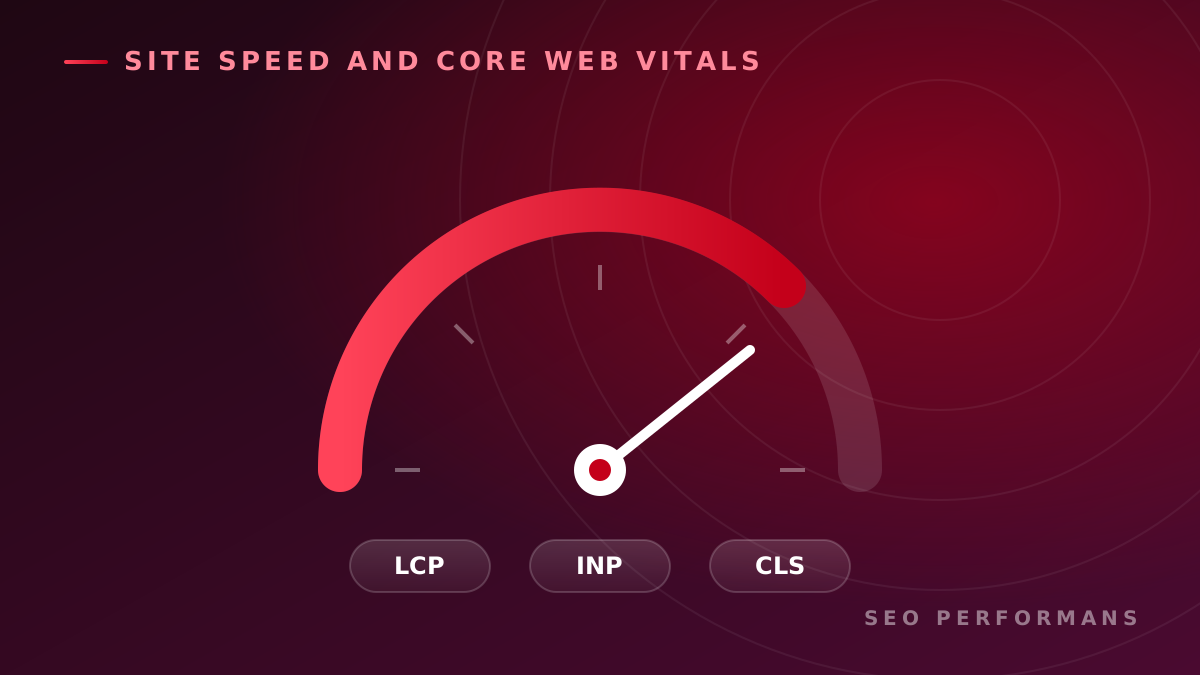
INP stands for "Interaction to Next Paint." It evaluates the time between a user's click, tap, or keyboard interaction and the moment the browser paints the next frame.
It takes into account the interactions that occur throughout a page visit; it does not measure only the first click. Scrolling and hovering over an element, on the other hand, are not interactions covered directly by INP.
There is also an important distinction: INP does not measure the total time it takes for an action to fully complete. For example, after a form is submitted, the loading indicator may appear quickly, while the server may take longer to finish processing. For a good user experience, both durations should be evaluated.
What Should a Good INP Value Be?
| INP value | Assessment |
|---|---|
| 200 milliseconds or less | Good |
| Over 200 milliseconds, up to 500 milliseconds | Needs improvement |
| Over 500 milliseconds | Poor |
Real-user assessment uses the 75th percentile value. If this value is 200 milliseconds or less, it means at least 75% of the measured experiences meet that threshold. Mobile and desktop results should be examined separately.
Why Does INP Optimization Matter for Businesses?
The importance of a performance issue depends on which step of the customer journey it affects. A dropdown menu on a blog and a button on the checkout page may not carry the same commercial priority.
To tie INP work to business goals, you need to identify the critical interactions:
| Business type | Priority interactions | Outcome to track alongside |
|---|---|---|
| E-commerce | Filtering, variant selection, add to cart | Add-to-cart and purchase rate |
| Service business | Quote form, service selection | Number of completed applications |
| B2B company | Demo form, solution menus | Number of qualified leads |
| Publisher | On-site search, category menu | Content discovery and visit depth |
A more responsive interface can make it easier for visitors to complete their actions. However, a conversion increase should not be assumed to happen automatically. Factors such as price, campaigns, traffic source, and form design also change the results.
For this reason, performance and business metrics should be monitored together, and the impact of the improvement should be evaluated using comparable periods or appropriate experiments.
What Is the Relationship Between INP and SEO?
INP is one of the Core Web Vitals metrics. Google states that Core Web Vitals data is used in its ranking systems. That said, good metrics do not guarantee top positions in search results. Content that satisfies search intent and other ranking factors matter as well.
INP optimization should be treated as part of technical SEO and user experience work. The right approach for businesses is to attract visitors with relevant content and then make sure those visitors can interact with the site comfortably.
At SEO Performans, the goal is to improve the real user experience alongside the scores in the report. That is why an assessment based only on the homepage may not be enough to reveal problems on product, category, or quote pages.
How Are INP Issues Identified?
A sound analysis combines real-user data with controlled tests.
1. Reviewing Real-User Data
When there is enough data, PageSpeed Insights shows field measurements from the Chrome User Experience Report. These results cover the previous 28-day period.
In the report, check whether the data belongs to the specific URL or to the origin level, which represents the site as a whole. A lack of data on a page does not mean the page is fast; enough samples may simply not have been collected.
2. Reproducing the Slow Interaction
The next step is to find which user action is delayed. For example:
- Does the mobile menu lag the first time it opens?
- Does a delay occur when a product filter is selected?
- Is there lag while typing in form fields?
- Does the problem appear after the chat widget loads?
An interaction recording made with Chrome DevTools helps separate the three phases of the delay: the wait until the event starts being processed, the running time of event handlers, and the time until the next frame is painted. This way, the fix can be aimed at the source of the delay.
3. Interpreting the Lab Score Correctly
The PageSpeed Insights performance score and the real-user INP value are different measurements. A high lab score does not prove that all interactions are fast throughout a visit.
Lab testing is used to investigate problems, while field data is used to evaluate the experience users actually have.
How Is INP Optimization Done?
The solution to apply is chosen based on the bottleneck seen in the measurements.
Reducing the JavaScript Workload
Tasks that keep the browser's main thread busy for a long time can cause user interactions to wait. Removing unnecessary code, breaking up long tasks, and deferring non-essential work during interactions can be considered.
Simplifying Work During Interactions
Running many calculations, analytics events, and interface updates at the same time when a button is pressed can increase delay. Priority should go to the work the user's action requires and to timely visual feedback.
Lowering Rendering Cost
Unnecessarily large page structures and frequent layout calculations can delay the screen update. The focus is on updating only the necessary areas and reducing repeated layout operations.
Auditing Third-Party Tools
The cost that chat, advertising, analytics, and personalization tools add at the moment of interaction should be measured. Removing unused integrations or adjusting their loading timing can be part of the solution. In these changes, measurement and core site functions must also be preserved.
Case Approach: Delay in a Mobile Product Filter
This scenario was prepared to explain our working method. It is not a real client project or a measured success result.
On an e-commerce site, the category page opens quickly. But when a visitor selects the brand filter, the interface doesn't respond for a short time. Because the user can't tell whether the selection was registered, they tap again.
Analysis Plan
First, the problematic interaction is recorded on a representative mobile device. The investigation tests the following possibilities:
- More products being calculated than necessary during filtering.
- Multiple interface updates for a single selection.
- The entire product list being rebuilt.
- Heavy third-party code running at the same time as the interaction.
These are initial hypotheses; they are not presented as definitive causes without measurement.
Implementation Plan
If it is confirmed that the bottleneck is the unnecessary re-rendering of the product list, the change focuses on that behavior. Unnecessary calculations are reduced, and updating only the affected areas is considered.
The fact that the filter selection was registered is shown to the user in a timely way. If results come from the server, the loading state is indicated separately, and how long the results actually take to be ready is also measured.
How Is Success Evaluated?
| Measurement | Question it answers |
|---|---|
| Interaction test repeated under the same conditions | Did the change reduce the targeted delay? |
| Mobile field INP value | Did the improvement carry over to real users? |
| Time to prepare filter results | Are users reaching the products they want faster? |
| Error and functional tests | Do the filters still work correctly? |
| Conversion of visitors who use filters | Is there a meaningful change in commercial results? |
Instead of simply saying "the site got faster," this approach shows which problem was solved and how the result was verified.
What Should an INP Optimization Service Include?
When defining the scope of an INP project, look for the following deliverables:
- Initial assessment: Priority pages, device groups, and current measurements.
- Interaction analysis: The actions where delay occurs and the technical findings.
- Prioritized work plan: User impact, implementation effort, and dependencies.
- Technical implementation: Changes addressing the confirmed causes.
- Results check: Performance comparison and functional tests.
- Monitoring: Tracking the performance impact of new features or integrations.
The valuable deliverable for a business is a clear decision plan: Which problem should be solved first, why is it a priority, and how will success be measured?
Frequently Asked Questions
Is INP optimization the same as speeding up a site?
INP optimization focuses on the interaction responsiveness part of site performance. Page load speed, visual stability, and server responses are other parts of the broader performance effort.
Is using a speed plugin alone enough?
It depends on the source of the problem. General optimization settings can help; however, a delay caused by a specific filter, form, or custom code may require examining that component directly.
When are the results of optimization visible?
In controlled tests, a comparison can be made after the change. Because PageSpeed Insights field data covers a 28-day period, the effect of a new release shows up in the report over time.
Will my Google rankings rise once INP is fixed?
A definite increase cannot be promised. INP is part of page experience; organic visibility should be evaluated together with content, search intent, technical accessibility, and other ranking factors.
Find Out How Your Website Performs on Interactions
Your visitors may be waiting as they open menus, select products, or fill out forms. Identifying which pages these delays appear on is the first step toward the right optimization decision.
Submit your analysis request to evaluate your website's current state with SEO Performans and discuss your INP optimization needs. Sharing your site address along with the page or action where you've noticed slowness will help with the initial assessment.
Request a Free SEO Analysis